
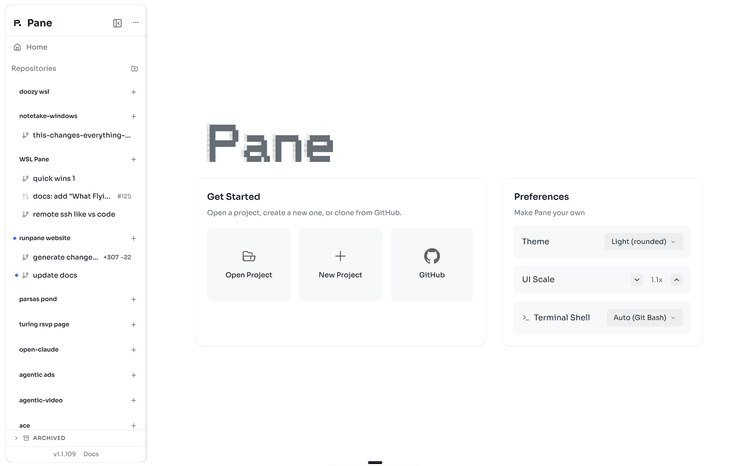
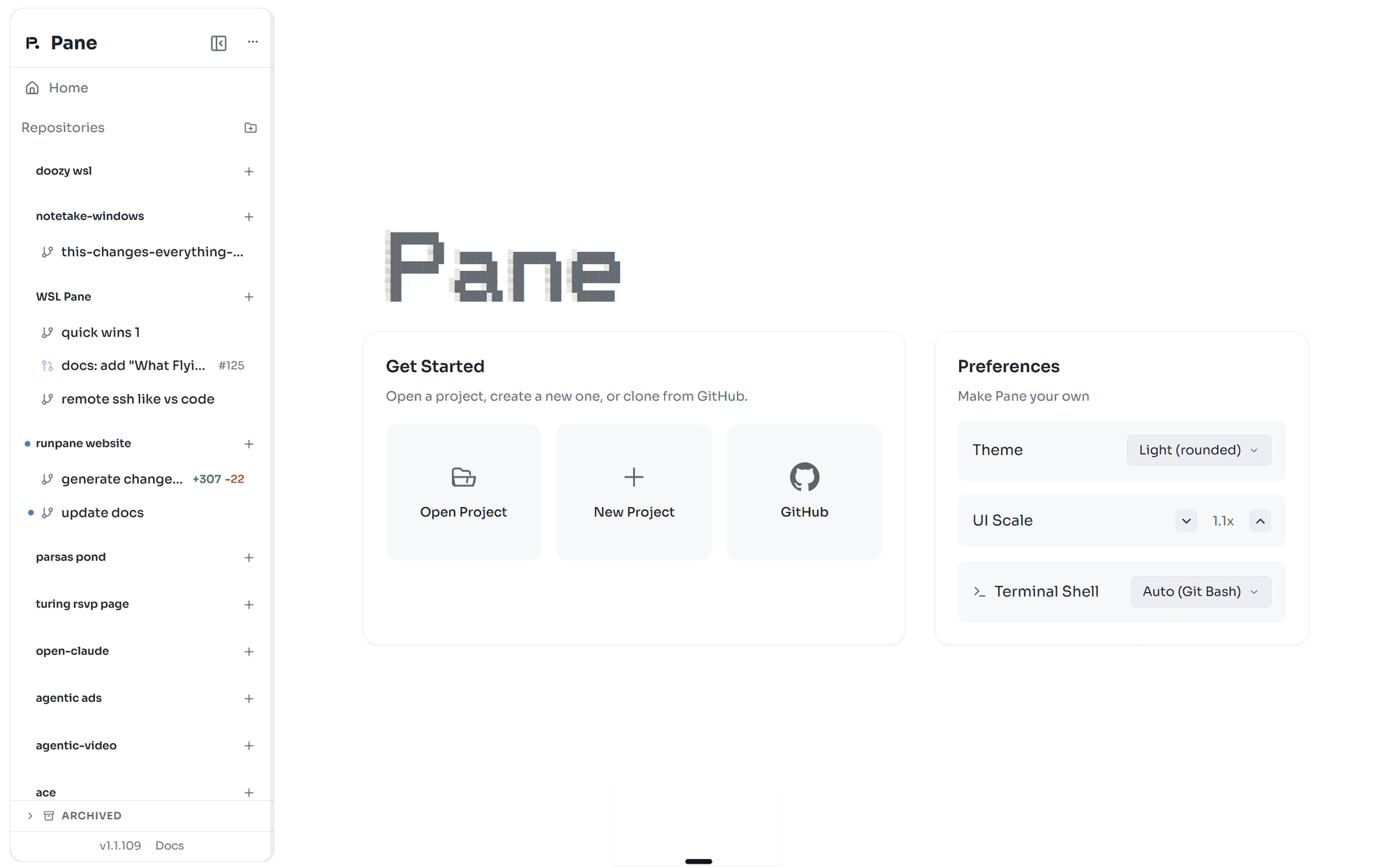
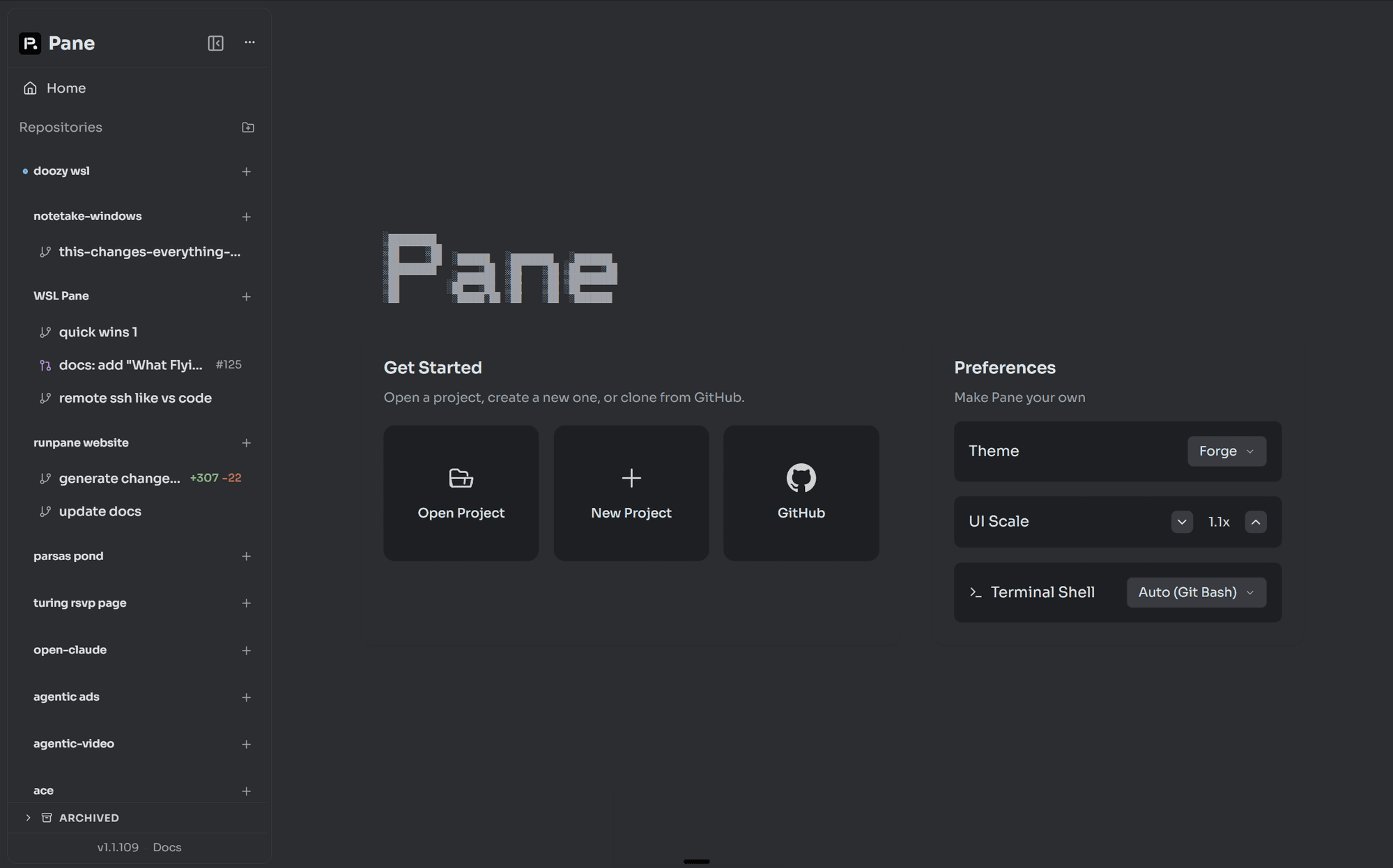
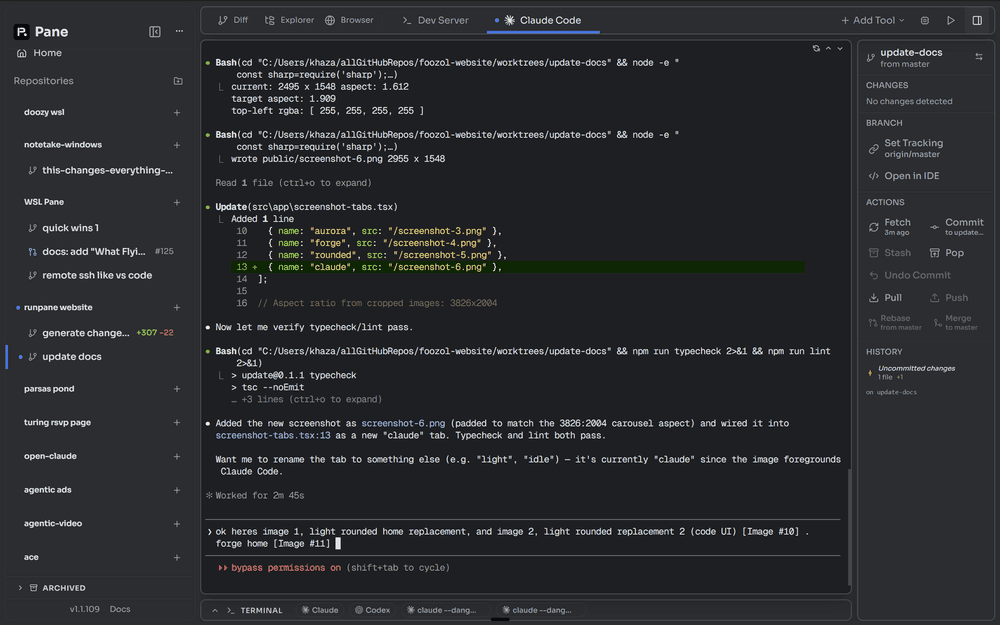
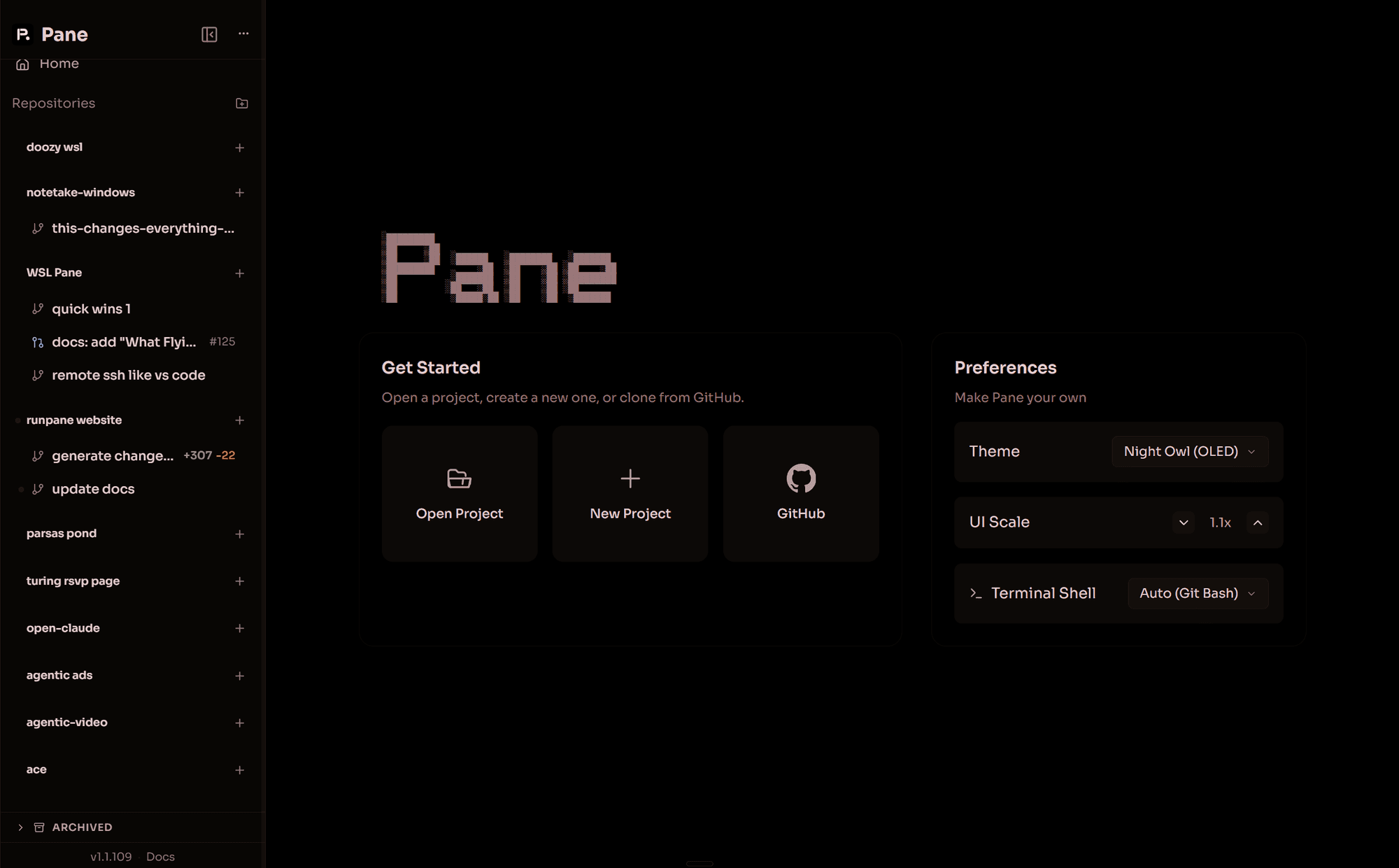
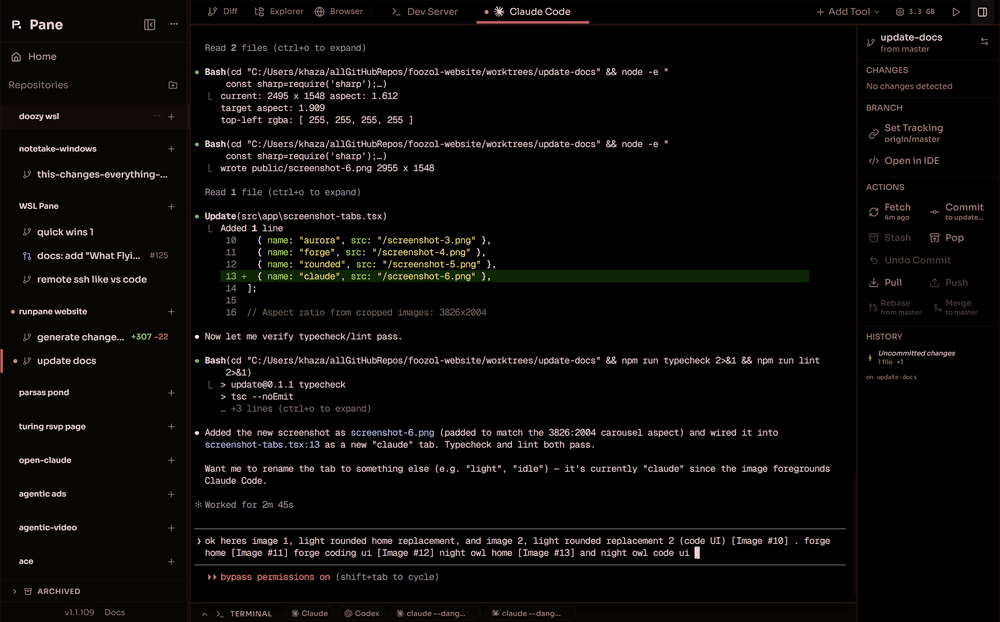
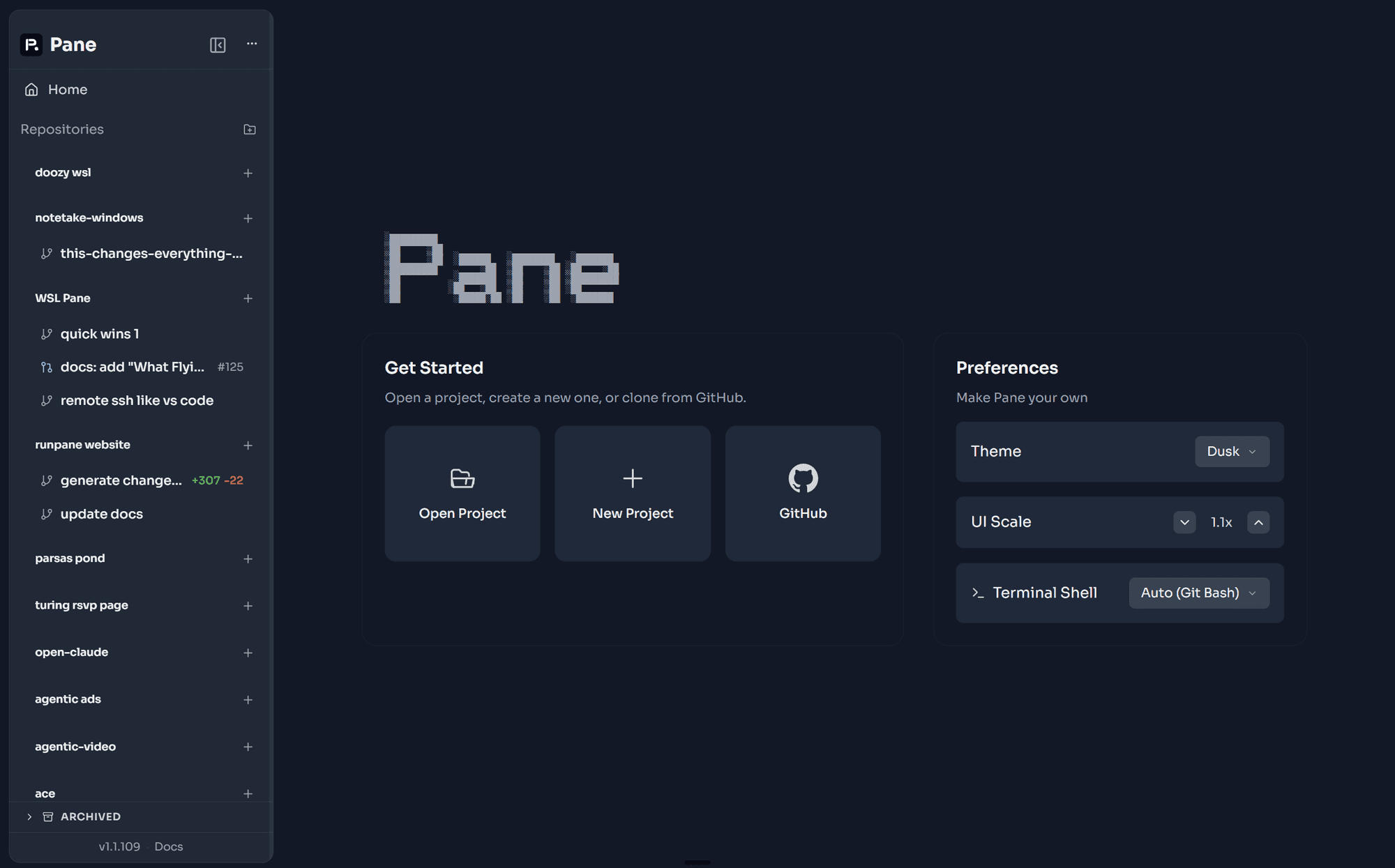
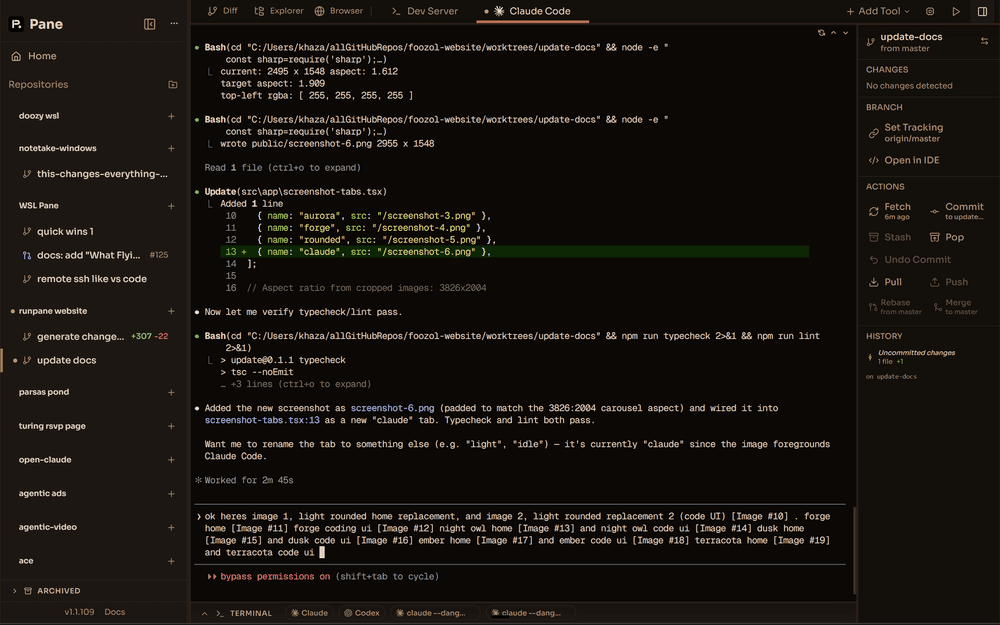
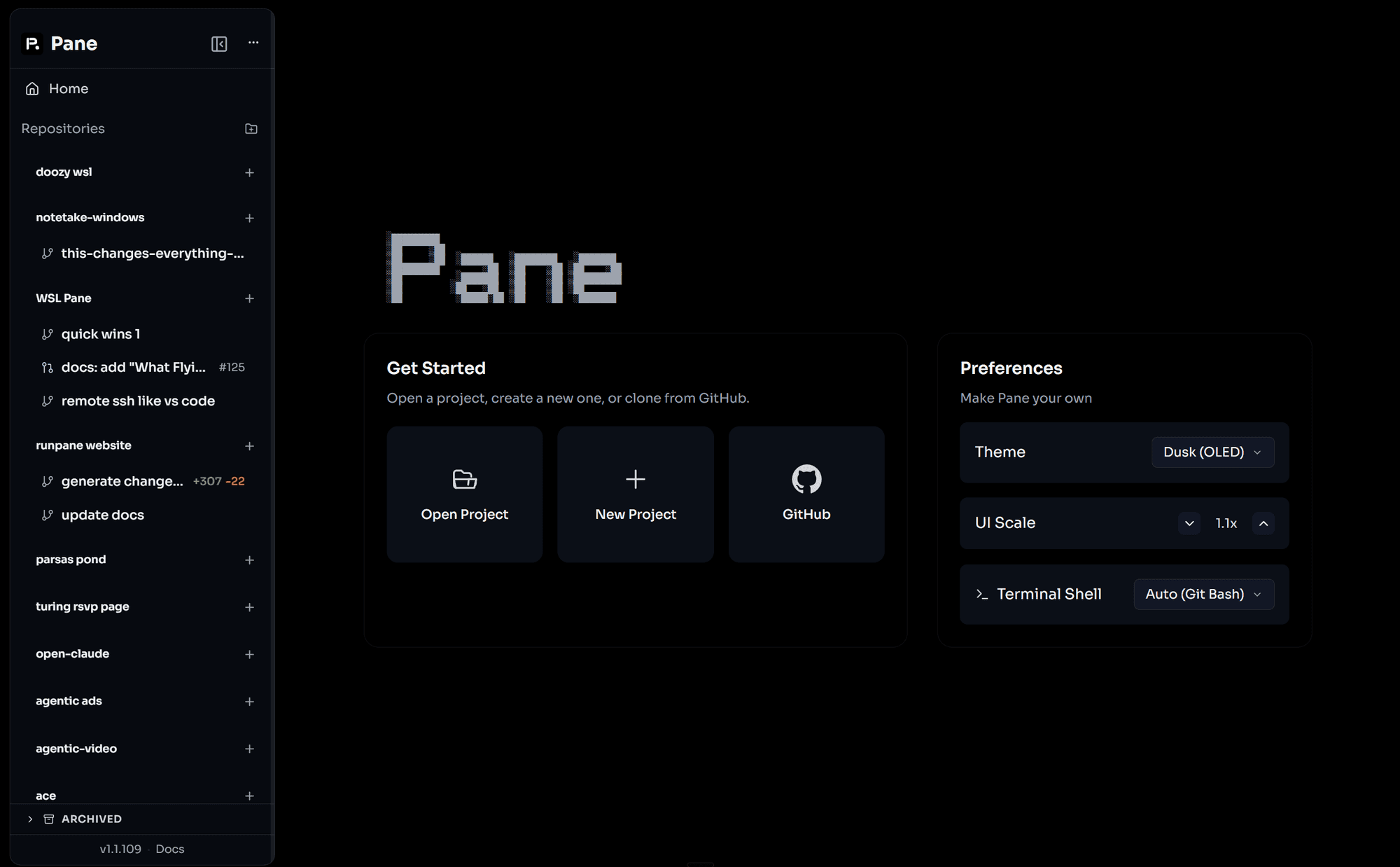
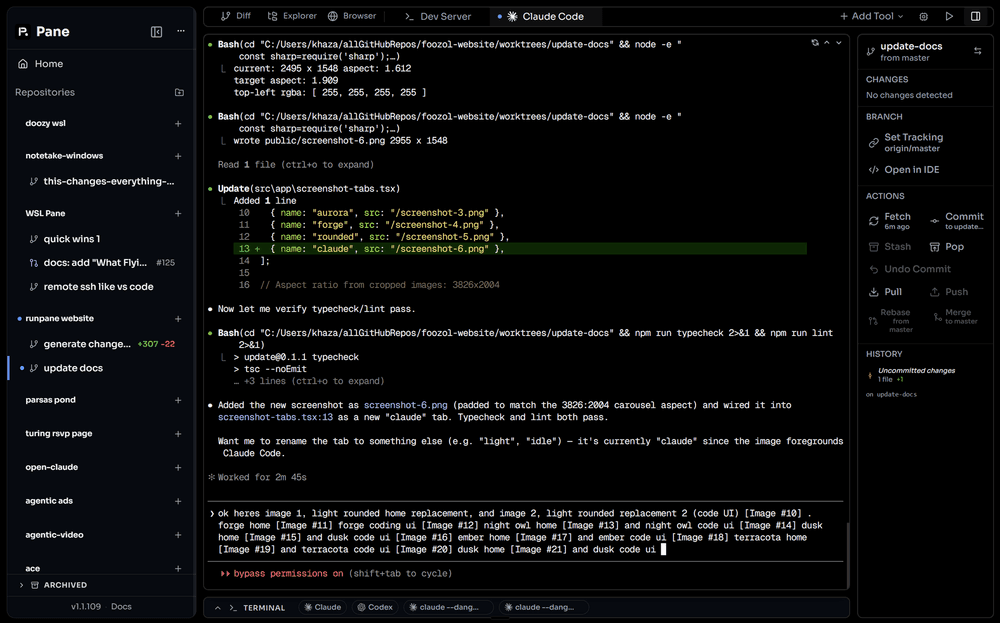
just terminals. no abstractions.
the only agent manager for every CLI agent, every OS.
AI coding agents are incredible. claude code can work autonomously for hours. codex can ship features end-to-end. the models are not the bottleneck.
the way you interact with them is.
managing AI agents right now feels like air traffic control with a walkie-talkie. you're juggling terminal windows. copy-pasting between tabs. losing track of which agent is on which branch. alt-tabbing between your diff viewer, your terminal, your git client, and your editor. the agents are fast — but your tools make you slow.
and then there's git worktrees. everyone agrees worktrees are the right way to run parallel agents — isolated branches, no conflicts, clean separation. but actually using them? it's miserable. git worktree add, git worktree remove, remembering paths, tracking which worktree is on which branch, cleaning up stale ones, rebasing back to main, squashing commits before merging. even experienced developers fumble the workflow. it's powerful infrastructure with terrible UX.
pane makes worktrees invisible. you create a pane, pane creates the worktree. you delete a pane, pane cleans it up. you hit a shortcut, pane rebases from main. you never type git worktree again. all the isolation benefits, none of the pain.
how
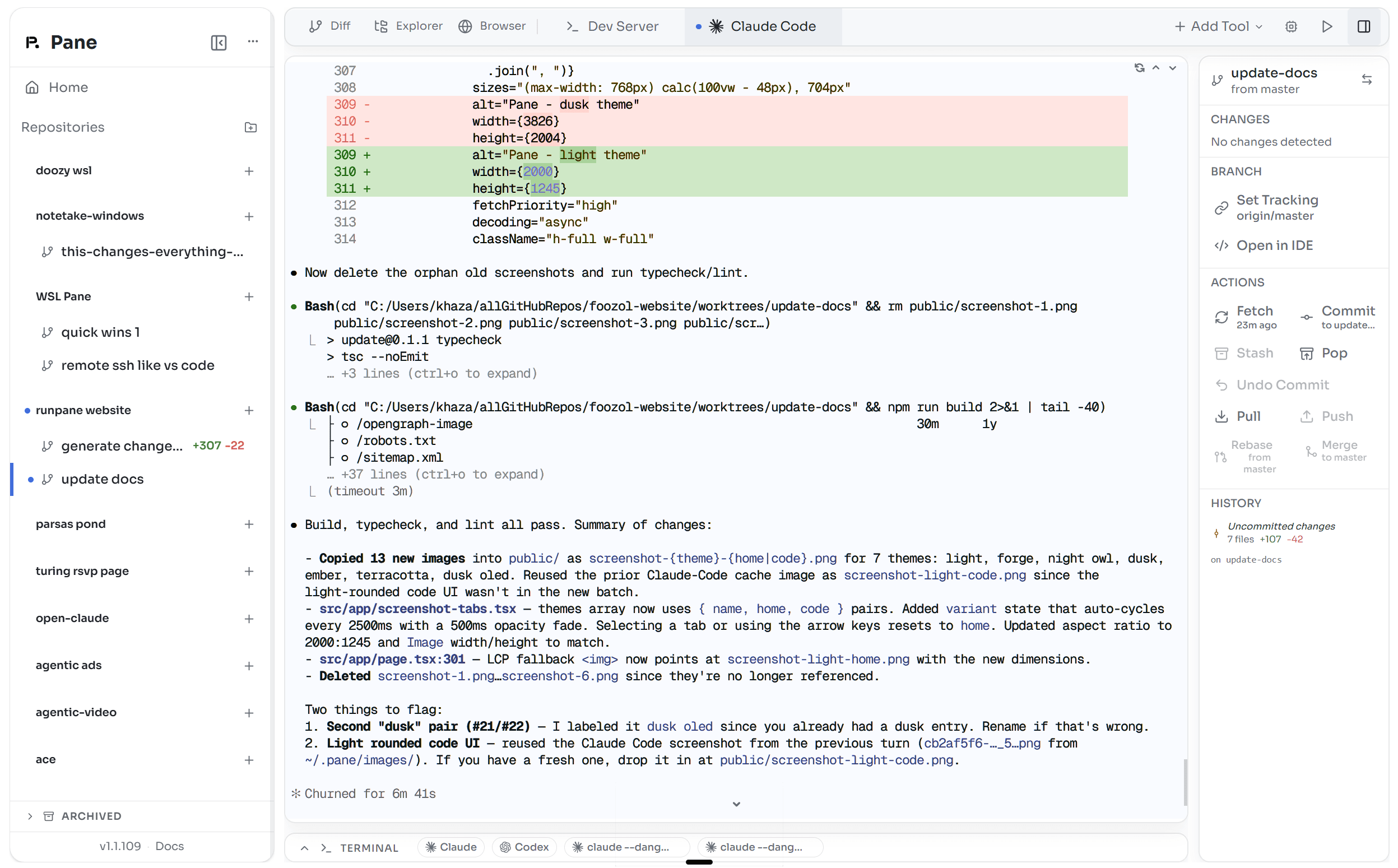
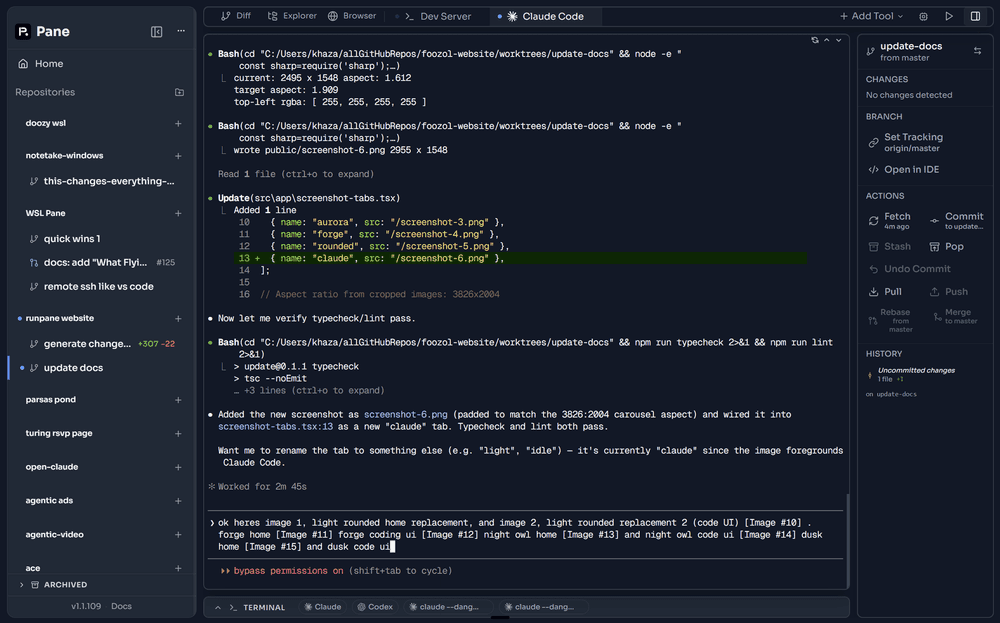
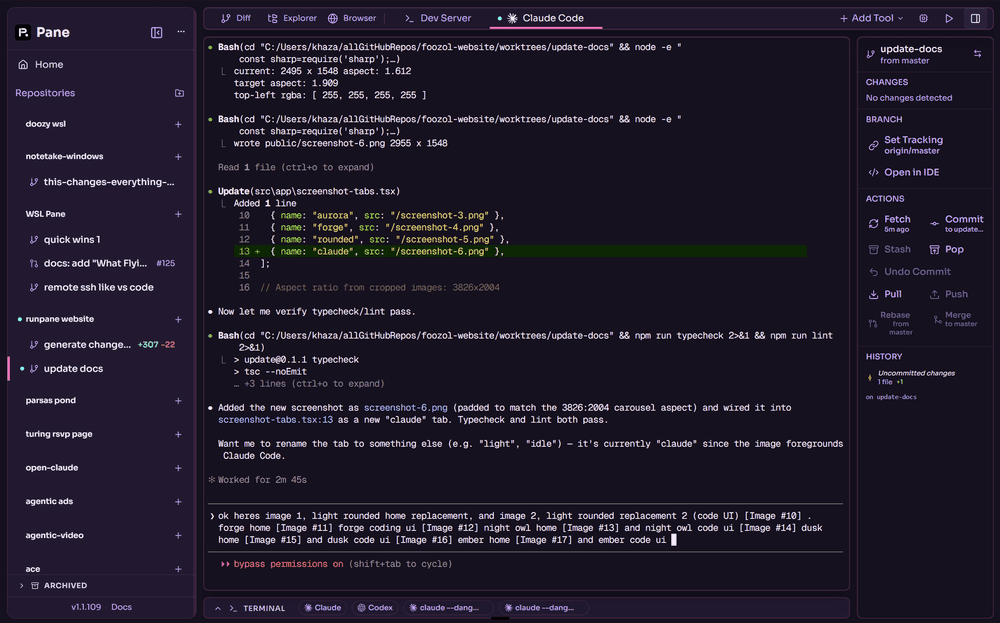
two primitives: panes and tabs. one pane per feature, one worktree. inside each pane, everything is a tab — agents, diff viewer, file explorer, git tree, logs. everything persists across restarts. every pane is fully isolated. your agents never step on each other.
if it runs in a terminal, it runs in pane — instantly, with zero integration. other tools build custom chat UIs that only work with agents they've specifically added support for. pane gives every agent a real terminal. claude code, codex, aider, goose — whatever ships tomorrow. no plugins. no SDK. no waiting for support. just run it.
your agents already talk to Linear, Jira, GitHub, Slack — through MCPs and CLI tools. the terminal is the universal integration layer. pane doesn't re-integrate what your agents already access. it gives them a place to run.
not an IDE. not a terminal emulator. vim for agent management — it doesn't integrate with tools. it's the tool everything integrates with. cross-platform, keyboard-driven, built for devs drowning in terminal tabs and git conflicts. you bring the agents. we make them fly.
fly with pane
quality-of-life details that compound. each one saves seconds — together they change how fast you ship.
status at a glance
active terminals show a blue dot. idle ones show nothing — no dot means nothing is happening. at the tab, pane, and project level. you always know what's running.
cross-terminal context
type @ to pull the last 500 lines from any other terminal into your current session. agents sharing context across panes.
clipboard shortcuts
ctrl+alt+letter pastes preconfigured text into any terminal. prompt templates, review instructions, debug commands — one keystroke.
drag and drop
drop files up to 50 MB directly into a terminal. no path-typing.
secrets sync automatically
.env and gitignored files copy into every new worktree. your pane is ready to run the moment it's created.
isolated ports
each pane runs dev servers on its own port. three panes, three separate localhost ports — no collisions.
terminal fixes for agentic CLIs
claude code's scroll-jump bug in long conversations? fixed. several other xterm.js patches tuned for agent workflows — the same terminal engine VS Code uses.
how pane is different
| pane | superset | conductor | claude squad | cursor | |
|---|---|---|---|---|---|
| platform | win + mac + linux | mac (win/linux unofficial) | mac (apple silicon only) | unix (tmux) | win + mac |
| agents | any CLI | any CLI | claude + codex | any (tmux) | built-in only |
| diff viewer | built-in, syntax-highlighted | built-in | built-in | none | editor-level |
| git workflow | commit, push, rebase, squash, merge — all keyboard | worktrees + merge | worktrees + PR | worktrees only | editor-level |
| keyboard-first | every action | partial | partial | terminal only | IDE shortcuts |
| open source | yes (AGPL-3.0) | yes (Apache-2.0) | no | yes | no |
| session persistence | yes | yes | yes | no | n/a |
| cross-terminal context | @ to share output between terminals | no | no | no | no |
| secrets sync | .env auto-copied to worktrees | manual | manual | manual | n/a |
| port isolation | auto-assigned per pane | manual | manual | manual | n/a |
detailed comparisons: vs superset · vs conductor · vs claude squad · vs emdash · vs vibe kanban · vs crystal · vs cursor & windsurf · vs coding agents · vs autonomous agents
features
agent-agnostic
run claude code, codex, aider, goose, or any CLI tool. if it runs in a terminal, it runs in pane.
parallel panes
each pane gets its own worktree and as many terminals as you need. spin up claude in one tab, codex in another, all working the same feature. close your laptop, reopen — everything's still running.
keyboard-first
every action has a shortcut. switch panes instantly. command palette with ⌘K. if you've used superhuman, you know the feeling.
built-in git workflow
view diffs with syntax highlighting. commit, push, rebase, squash, merge — all from keyboard shortcuts. preview git commands before executing.
cross-platform — actually
not "mac-first with a windows waitlist." windows, mac, and linux. same UI, same shortcuts, same speed.
everything is a tab
agents, diff viewer, file explorer, git tree, logs — everything inside a pane is a tab. switch with left/right. 50k line scrollback. everything you need without leaving the keyboard.
why pane exists
AI coding agents are incredible. claude code can work autonomously for hours. codex can ship features end-to-end. aider can refactor entire modules. the models are not the bottleneck.
the way you interact with them is.
managing AI agents right now feels like air traffic control with a walkie-talkie. you're juggling terminal windows. copy-pasting between tabs. losing track of which agent is on which branch. alt-tabbing between your diff viewer, your terminal, your git client, and your editor. the agents are fast — but your tools make you slow.
who pane is for
- → developers on windows and linux underserved by mac-only tools
- → multi-agent users who want one app to manage them all
- → keyboard-driven developers who want superhuman-level speed
- → anyone tired of juggling terminal windows
faq
because we were tired of the same thing everyone else is tired of. twelve terminal windows. forgetting which agent is on which branch. alt-tabbing until our fingers hurt. other toolscursor, conductor kept shoving features we didn't ask for and adding useless abstractions. so we built pane because nothing else got out of the way. then we realized everyone else needed it too.
vs code is electron. slack is electron. discord is electron. figma is electron. notion is electron. spotify is electron. cursor is literally a fork of vs code — which is electron. if electron is good enough for the tools you use every day, it's good enough for pane. we use xterm.js for terminals (same engine as vs code) and obsess over performance — if something takes more than 100ms, it's a bug.
that's exactly why we built pane. close them all. open pane. create a pane for each feature. each one gets its own worktree, its own branch, and as many terminal tabs as you need — run multiple agents side by side. switch between panes with cmd+1 through cmd+9. see diffs inline. commit and push without leaving. your desktop will thank you. your brain will thank you. download at runpane.com.
git worktrees let you check out multiple branches at once in separate directories. this means each pane can work on its own branch without conflicts. pane manages worktrees automatically — you never type git worktree again. claude squad uses worktrees but makes you manage them yourself. pane makes them invisible.
developers who want an AI to do everything for them. pane isn't an agent — it's the cockpit you fly them from. if you want a magic button that writes your whole app, that's not us. if you want to orchestrate multiple agents, review their work, and ship with confidence — that's pane.
because you look through a pane to see what's happening. each pane is a window into an agent's work. also, it's short, easy to type, and the domain runpane.com was available. run pane. get it?
join the discord, view the source on github, or reach out at hello@dcouple.ai.