Pane Notify
Answer your agents without switching windows
When Claude Code, Codex or Cursor needs a decision, it asks through Pane. A card slides up over whatever app you're in. Press 1 and the agent keeps going.
You're in a doc
Q4 roadmap.doc
Claude is refactoring auth in a Pane you can't see.
Claude asks
Needs a choice · auth-refactor · Claude
Which session store should the refactor use?
1 Postgres table2 Keep Redis
The card floats over your doc. It never takes focus.
You press 1
Sent to Claude · Undo
↳ {"answer": "Postgres table"}
● Moving sessions to Postgres…
Claude gets your answer and keeps going.
What it looks like in Pane
Four ways an agent can ask
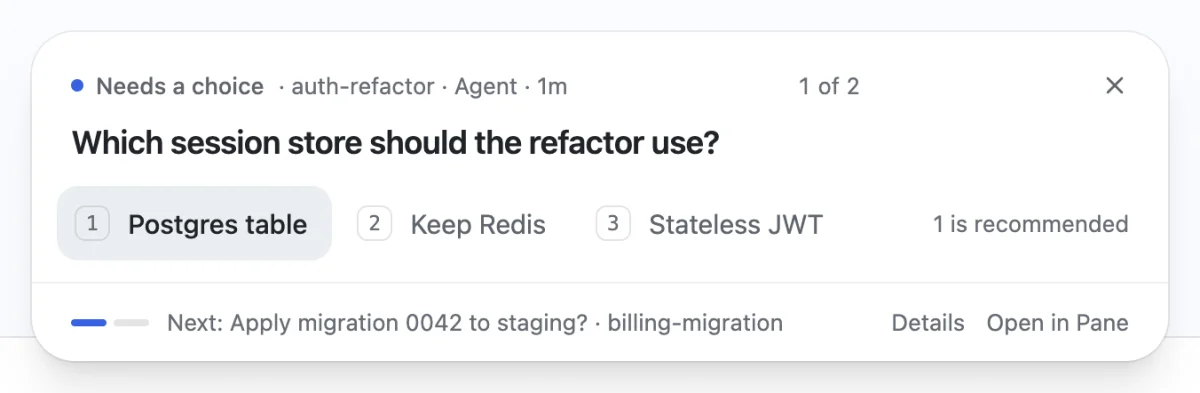
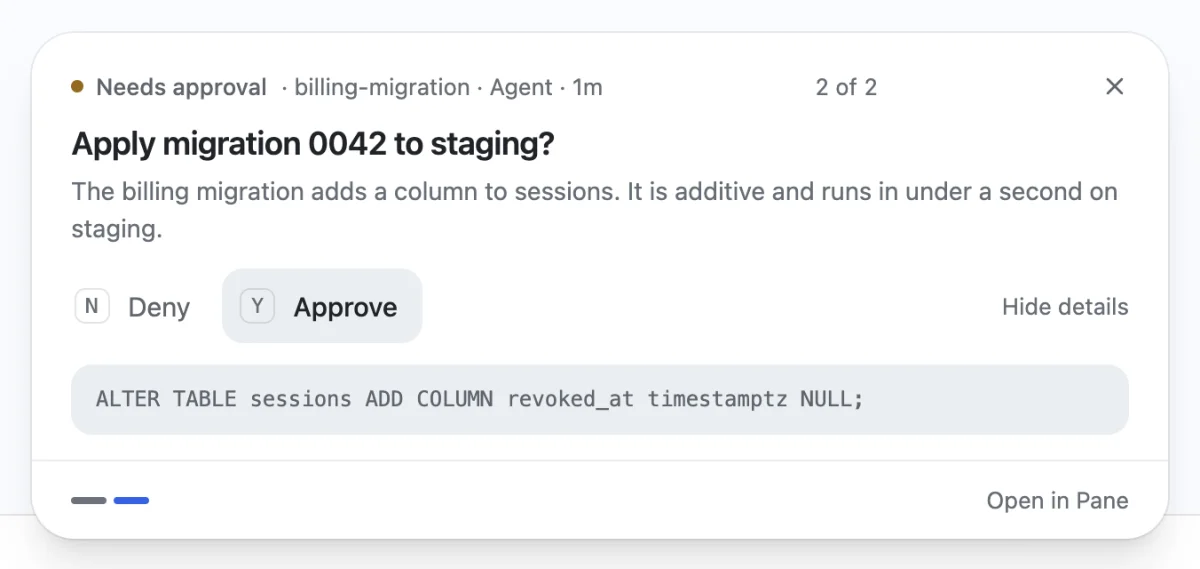
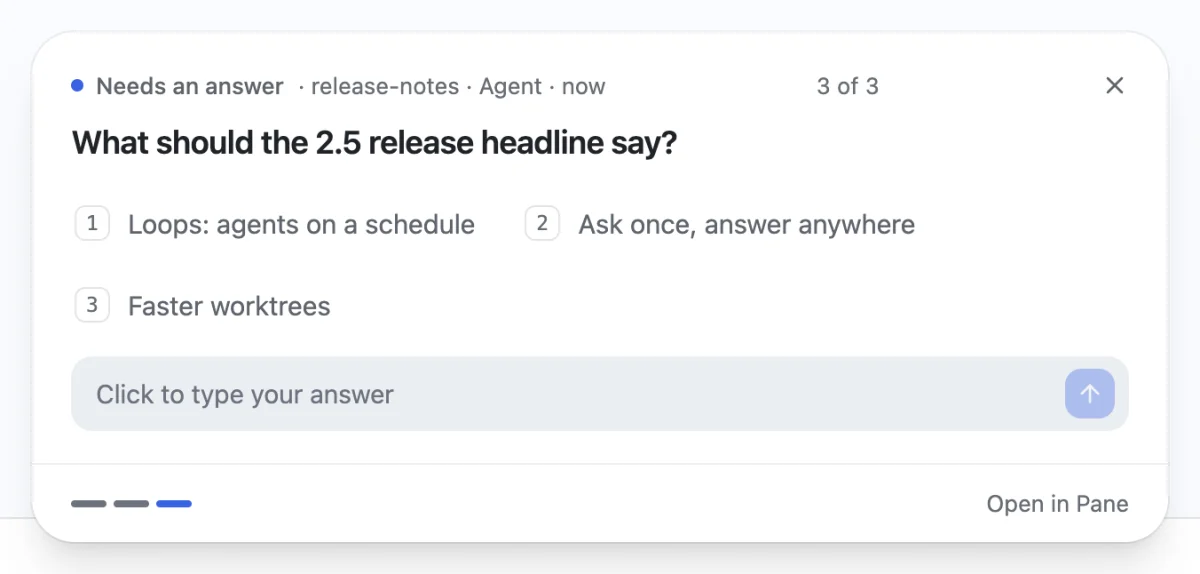
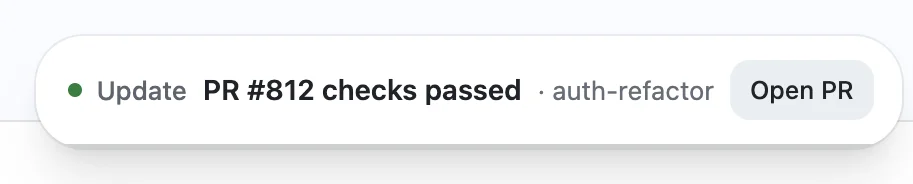
Answer with the keyboard
- Press ⌃⇧Space (Ctrl+Shift+Space on Windows and Linux).
- Press a number to choose, or Y or N to approve. Press Tab to add a note.
- Press Enter to send. Press → to skip to the next question.
Not now?
Click ✕. The question waits in the Notify inbox. Right-click ✕ to bring it back in 10 minutes, in an hour, or when you switch to Pane. The agent keeps waiting.
Other screens and your phone
The machine running the agent keeps the questions. Every screen connected to it shows them, and the first answer from any of them goes to the agent. This needs Pane 2.4.205 or later.
- Other Pane desktops. A Pane desktop connected to that machine, through remote access or a workspace, shows its questions over other apps, in the inbox and with the shortcut. Each card names its machine.
- Answer on any screen. The others say where you answered, and every screen offers Undo for 3 seconds.
- Your phone. Each question sends one alert to the Pane app. Answer with its buttons, even from the lock screen, or tap it to open the question. This needs the newest Pane app build.
- Lost connection. If the machine can't be reached, the card says so and the agent keeps waiting.
Setup
There's nothing to set up. Pane adds its MCP server to Claude Code, Codex and Cursor and tells them to ask through Notify. Turn it off in Settings. Scripts can ask too:
runpane notify --ui options --title "Which session store should the refactor use?" \
  --choices '[{"label":"Postgres table","recommended":true},{"label":"Keep Redis"}]'
Good to know
- It floats over other apps, even full screen. Pause it for an hour from the menu bar or tray icon.
- If Pane isn't running, the agent asks in its terminal like before.
- Questions aren't saved to disk. Earlier today clears at midnight and when Pane quits.
- Cursor asks before each MCP tool call until you allow the notify tool.
frequently asked questions
Related: Pane Loops · Remote Pane · MCP · runpane CLI