Install Pane on your computer
The machine your work lives on: a Mac mini, a Windows desktop, a Linux box or a cloud VM. Use the install command below, or download the app.

Remote access
An SSH client gives you a shell. Pane gives you the machine itself: its terminals, files, git branches, dev servers and coding agents, from any desktop or your phone.
Same workspace. Everywhere.
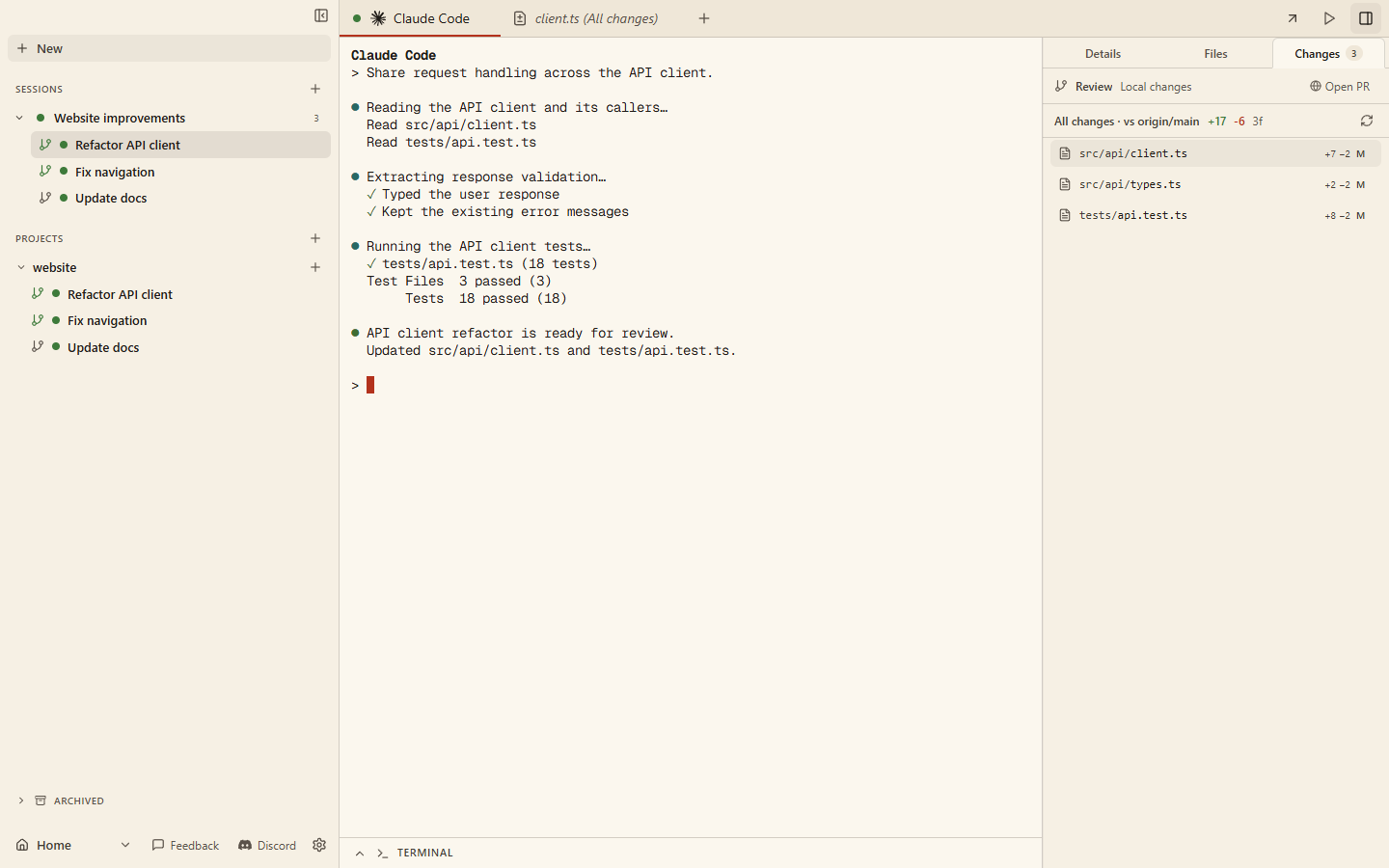
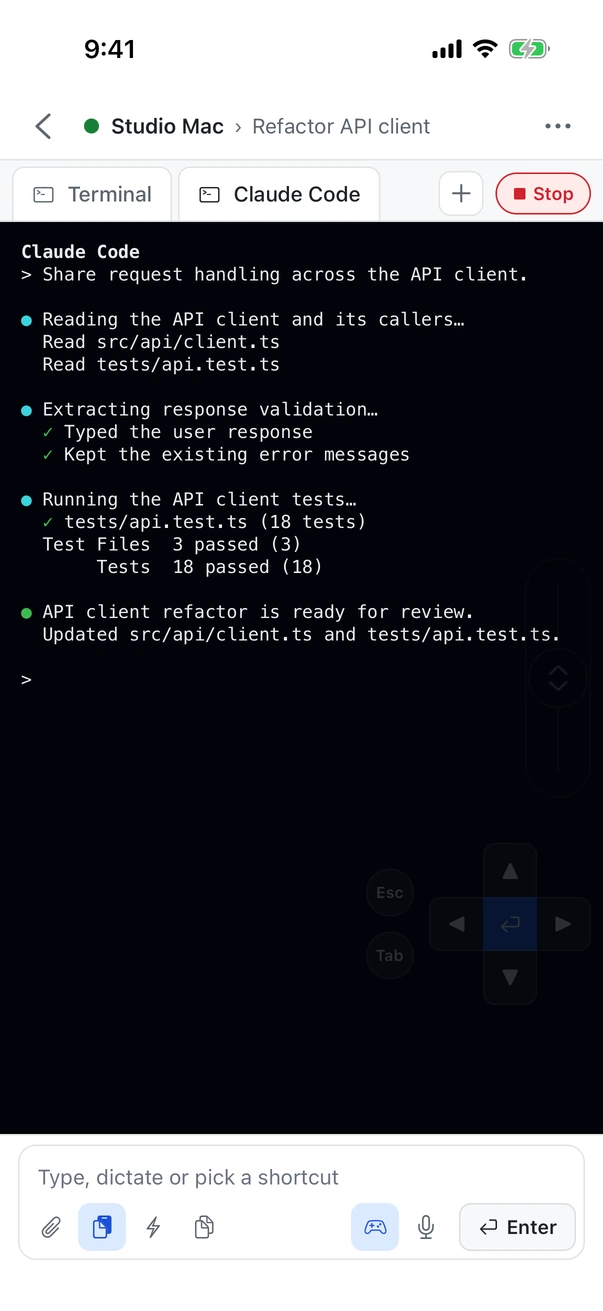
Free and open source (AGPL-3.0). It runs on macOS, Windows and Linux, on any network, with no account and no port forwarding.
The machine your work lives on: a Mac mini, a Windows desktop, a Linux box or a cloud VM. Use the install command below, or download the app.
In Pane, click Use Pane on your phone, then point your phone's camera at the QR code.
On an iPhone, try the iOS beta in TestFlight. On any phone, open the web app in your browser.
Already use Tailscale? Connect over your tailnet. Reaching a server over SSH? Run Remote Pane over SSH. Another desktop? Follow the setup guide.
Real screens from the Pane iPhone app.
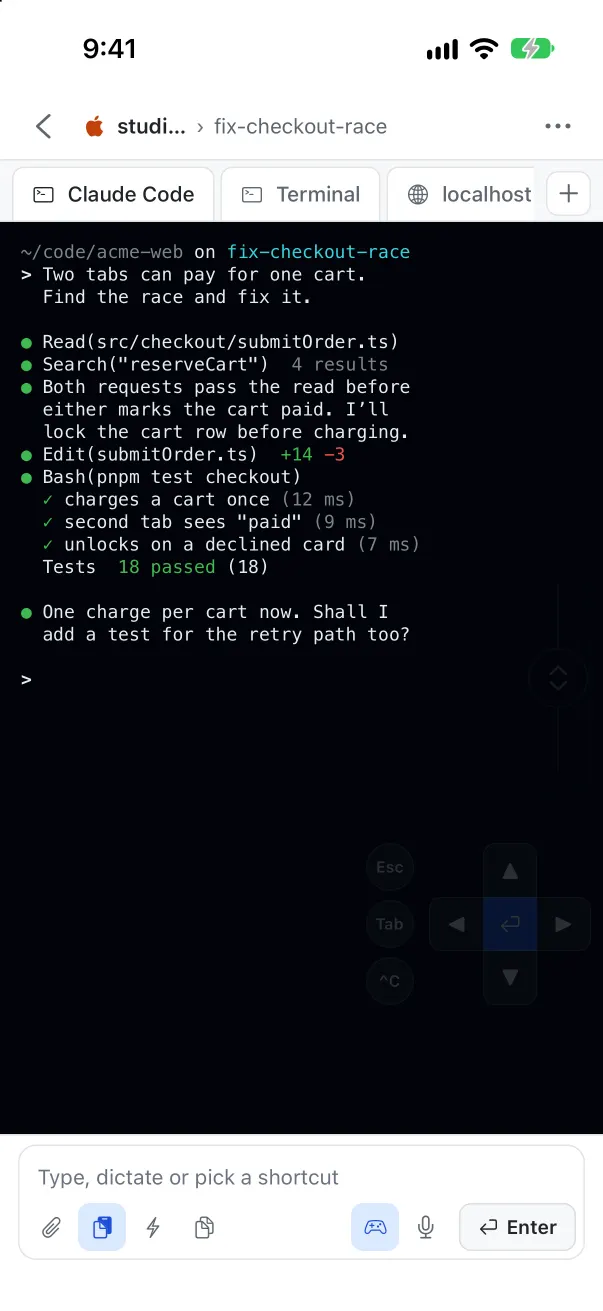
Claude Code fixes a checkout race on studio-mac. You read along and reply.
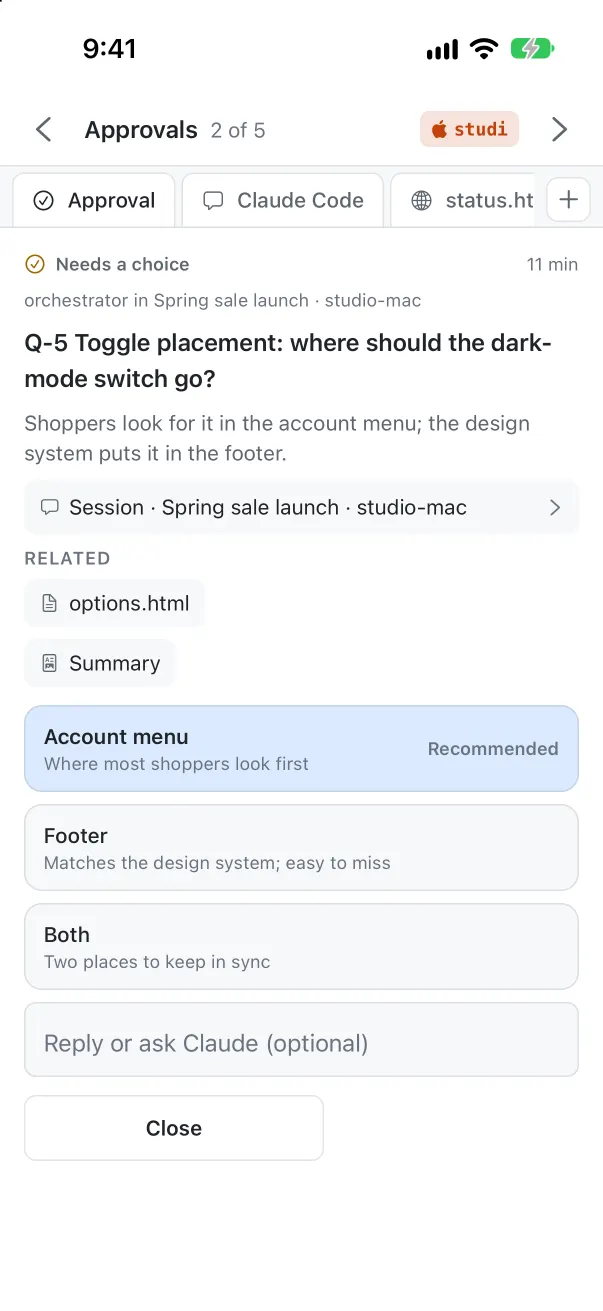
An agent asks a question. You answer in one tap.
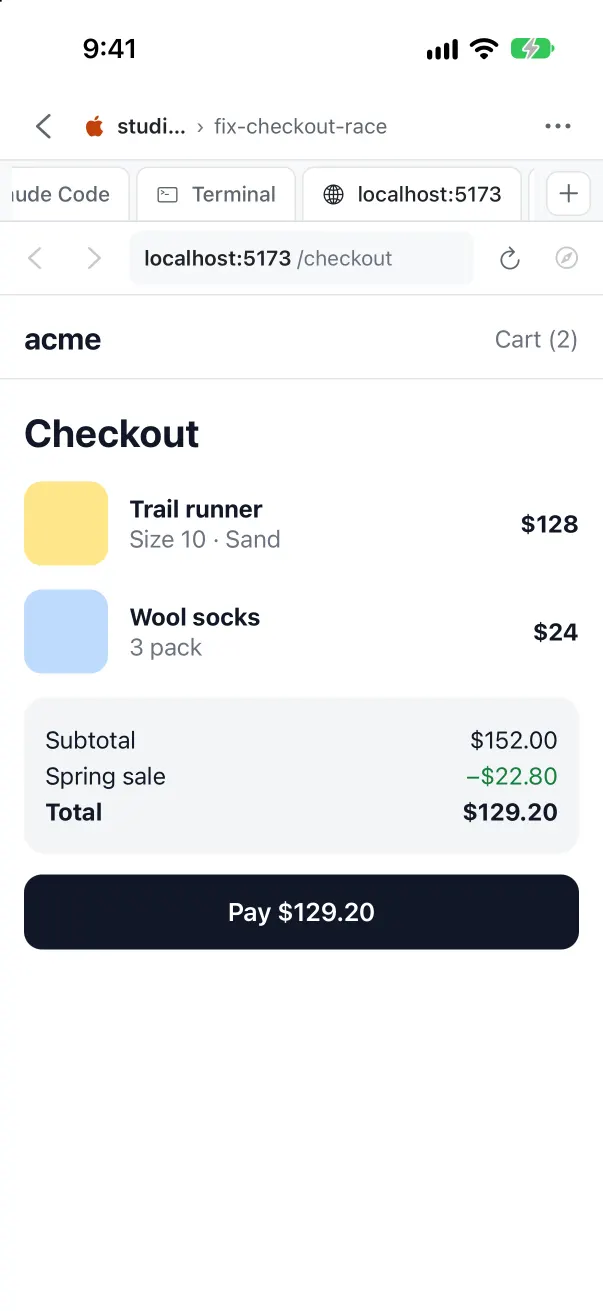
The Pane's localhost:5173 tab, open on your phone.
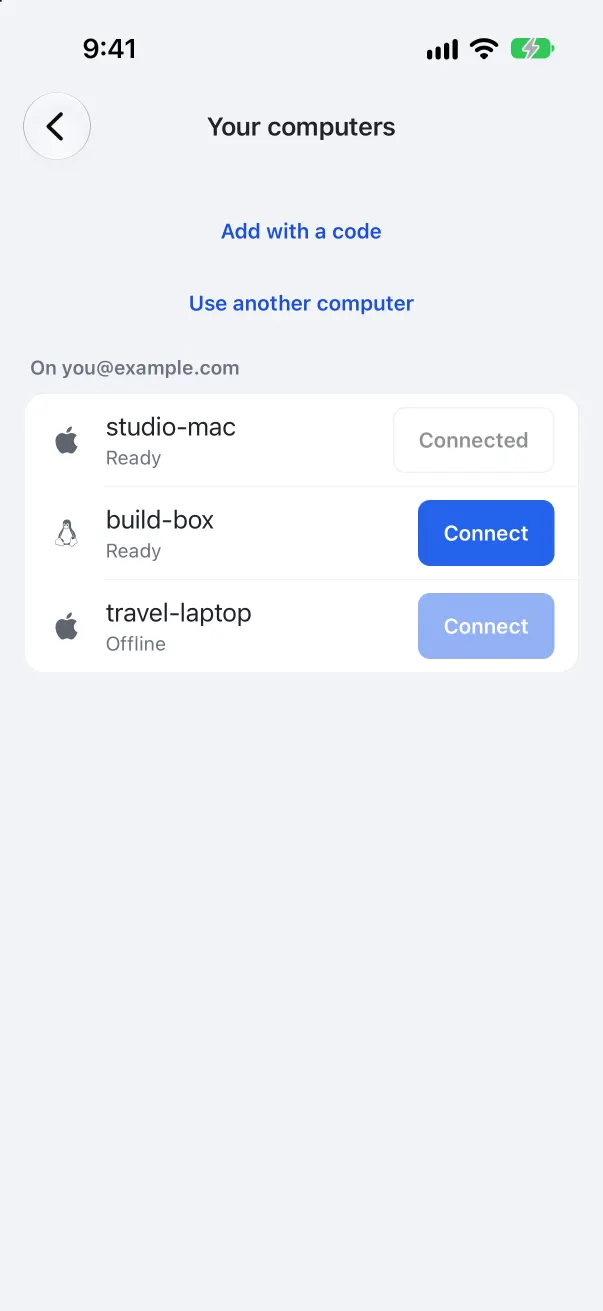
A Mac and a Linux box, one tap apart.
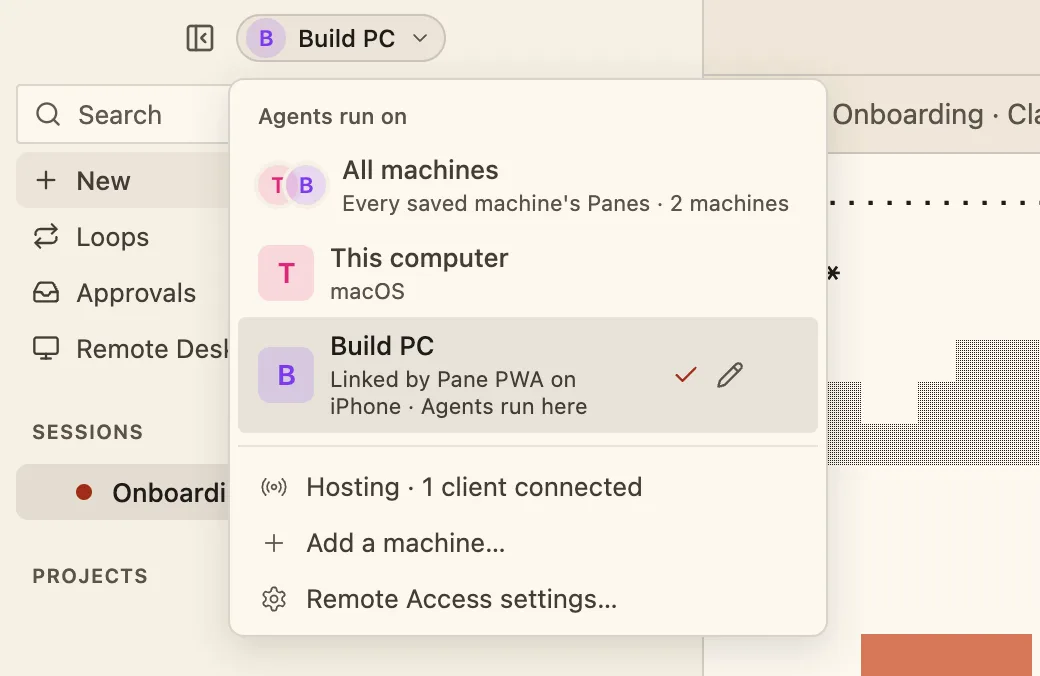
Save a machine once, and it sits in the menu next to this one. Pick it, and your agents run there.
An always-on machine is a good home for Loops, which run your agents on a schedule. With Notify, those agents ask you questions on whichever connected screen you're using.
Your agent can read files and run commands on your other computers, through Pane's relay or Tailscale. The agent stays here. The command runs there.
Your agents keep working with your laptop closed. Start with 300 free agent-hours a month.
Pane picks the fastest route on its own. You never open a port on your router.
Your phone connects straight to your computer. The Pane app works even when the internet is down.
A direct path when both networks allow it, or the nearest of Pane's relays. The relay passes the connection along and can't read it.
Already on a tailnet? Use it instead, with no Pane servers in between.
Encryption ends at your computer on every route. How it connects · Security, in plain words
How to use your machine from wherever you are, and how Pane compares with the SSH clients and remote desktop tools you might already use.